
Bring serial Modbus onto the network.
Ethernet-to-Modbus, with remote I/O.
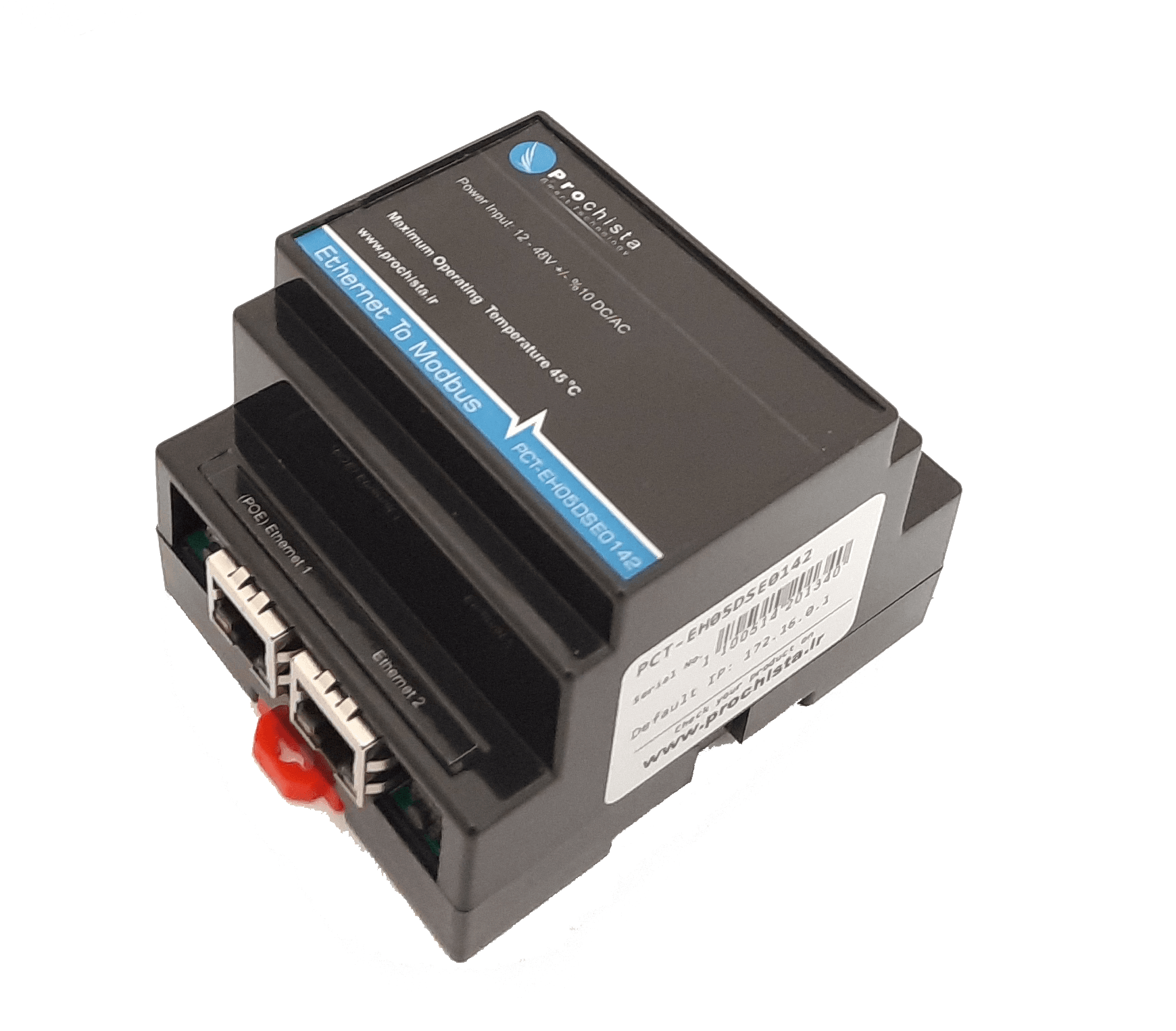
An Ethernet-to-Modbus gateway with remote I/O and a built-in 2-port switch, bringing serial Modbus devices onto the network and into the platform.
- Modbus TCP/RTU
- Remote I/O
- 2-port switch
- DIN-rail
Serial onto the network
Modbus devices, on the same network as everything else.
Legacy Modbus equipment speaks serial. This gateway bridges it to Modbus TCP over Ethernet, adds remote I/O, and daisy-chains through its 2-port switch, so a whole rack row reaches the platform on one run.
Serial to TCP
Bridges Modbus RTU serial devices to Modbus TCP over Ethernet, with no rewiring of the field bus.
- Modbus RTU
- Modbus TCP
- Transparent
Remote I/O
Onboard digital and analogue I/O brings dry contacts and signals in alongside the bridged Modbus data.
- Digital I/O
- Analogue
- On-board
2-port switch
A built-in 2-port Ethernet switch lets you daisy-chain units along a row without a separate switch.
- 2-port
- Daisy-chain
- DIN-rail
Capabilities
A clean bridge from the field bus to the platform.
Modbus RTU & TCP
Transparent bridging between serial Modbus and Modbus TCP, both directions.
Onboard remote I/O
Digital and analogue channels bring field signals in without a separate module.
Built-in switch
Two Ethernet ports for daisy-chaining units along a rack row.
Industrial-grade
DIN-rail mount, wide-temperature operation for plant rooms and shelters.
Plant-powered
Runs from the DC plant it lives in, with no separate supply on the panel.
ProDCIM-native
Bridged data and I/O land straight in ProDCIM dashboards and alarms.
Ethernet-to-Modbus sensor datasheet
Full specifications, dimensions and wiring, in one PDF.
Installation
From serial island to networked in minutes.
Wire the serial bus, patch one Ethernet run, and the gateway brings the whole segment onto the platform.
1. Wire
Connect the existing Modbus serial bus to the gateway's serial port.
2. Patch
Patch one Ethernet run; daisy-chain the next unit through the 2nd port.
3. Map
Map Modbus registers and I/O points to the platform's data model.
4. Monitor
Readings and contact states stream into ProDCIM with alarms.
Part of the platform
Better together, on one platform.
Explore at your own pace
Not ready for a demo? Take the next step.
Bring your Modbus devices onto the platform
Book a walkthrough and we'll map your serial bus and I/O into one monitoring picture.